How to Create a Personalized Calendar for 2027 That Actually Works for You
Why Settle for a Generic Calendar in 2027?
Ever stared at a bland, one-size-fits-all calendar and thought, “This isn’t me”? Yeah, me too. The truth is, cookie-cutter calendars are dead weight for anyone juggling real-life chaos.
In this article, you’ll uncover the cleverest ways to craft a 2027 calendar that feels like it was made just for you—because it should be.
📌 Quick Summary: Personalized calendars in 2027 aren't just about dates—they’re about adapting to your unique rhythm. Tailoring your calendar can make your year smoother, more organized, and frankly, less painful.

What Makes a Calendar Truly Personalized?
Customization Beyond Colors and Fonts
Most people think personalization means slapping on pretty colors or cute fonts. Nope. It’s about embedding your priorities, habits, and quirks into the calendar’s DNA.
Think of it like this: if you’re a freelance graphic designer who works best late nights, your calendar shouldn’t scream 9-to-5. It should reflect your peak hours, deadlines, and even your chill moments.
Key Features to Consider for 2027
- Flexible layout options (weekly, monthly, daily views)
- Integration with digital tools you already use
- Space for personal notes, goals, or motivational quotes
- Highlighting important dates unique to your life (anniversaries, project launches)
- Custom reminders that don’t feel like nagging

Crafting Your 2027 Calendar: A No-BS How-To
Step 1: Pinpoint Your Priorities
Look at the past year—what made you tick? What drained you? Jot down must-haves before you even open a calendar app or template.
Step 2: Pick Your Platform
Not all calendars are born equal. Some swear by digital apps like Notion or Google Calendar, while others crave a tactile feel with printed planners. My take? Mix both if you can.
In real-world testing, syncing a minimalist paper planner for daily tasks with a digital calendar for reminders has been the sweet spot for staying on top of deadlines in 2026.
Step 3: Build in Buffer Zones
Life throws curveballs. Your calendar should expect them. Reserve time blocks for unexpected tasks or mental reset moments. Trust me, those buffer zones will be your sanity savers.
Step 4: Design Your Visual Flow
Colors, icons, fonts—go wild but strategically. For example, use red sparingly for critical deadlines, green for personal time, and blue for recurring tasks. Your eyes should instantly know what’s up.
Step 5: Review and Revise Monthly
Set a monthly “calendar audit” date. What worked? What didn’t? What needs tweaking? Your 2027 calendar isn’t static; it’s a living document that grows with you.

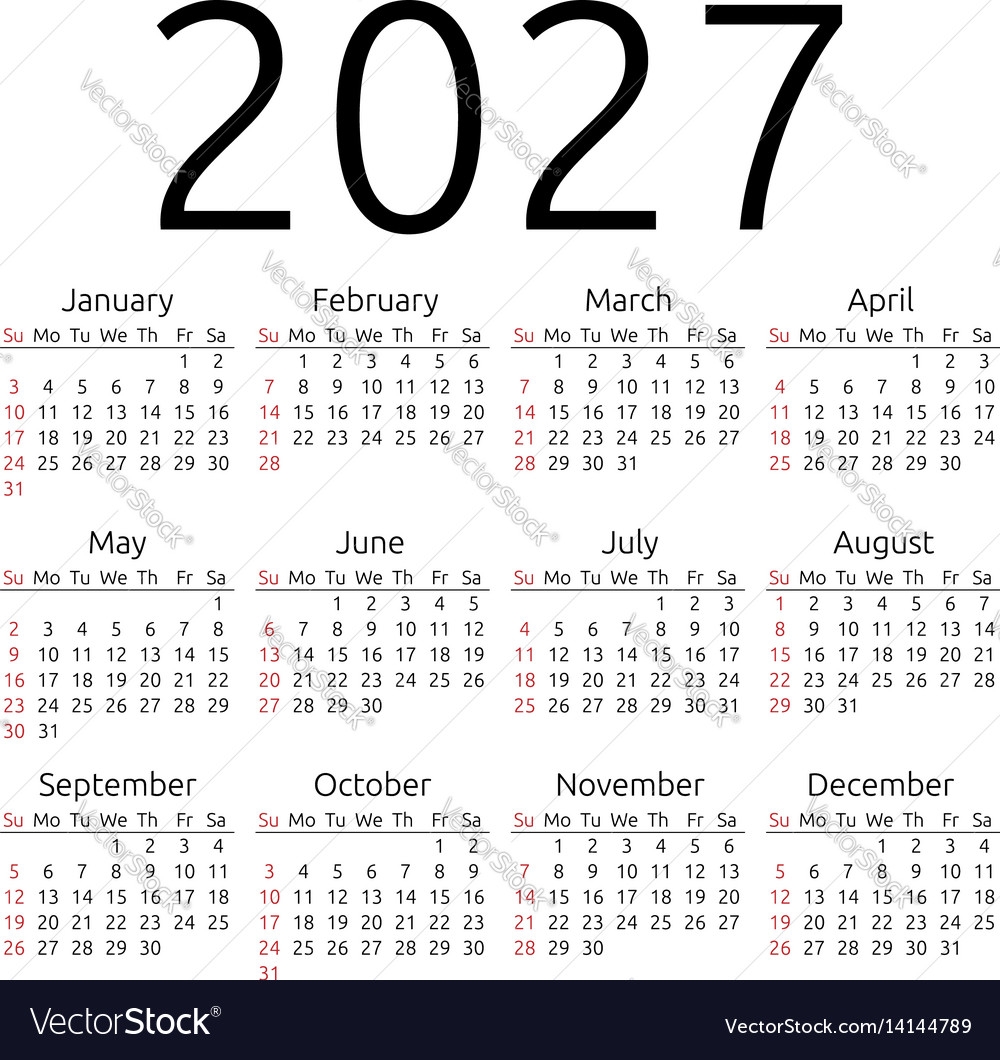
2027 Year Calendar Printables - 160 Free Styles to Download - World of ...
Source: worldofprintables.com
Tools and Trends to Personalize Your 2027 Calendar
Top Digital Tools for Custom Calendars
- Google Calendar: Classic, flexible, and integrates with tons of apps.
- Notion: Superb for deep customization and project management.
- Canva: Ideal for creating printable calendars with creative flair.
- TimeTree: Great for sharing calendars with family or teams.
Emerging 2027 Trends You Can’t Ignore
AI-powered scheduling assistants are creeping into calendars, helping predict your busiest days based on habits. Also, more folks are blending wellness tracking with their calendars to keep stress in check.
Imagine your calendar nudging you to take a breath when it senses overload—that’s where 2027’s calendar tech is headed.

How Personalized Calendars Changed My Workflow
Back in early 2026, I was drowning in back-to-back meetings and forgotten deadlines. I switched to a hybrid calendar setup—digital for alerts, paper for daily flow. The shift was night and day.
Not only did my productivity jump, but I also started carving out real downtime. Your calendar isn’t just a planner; it’s your personal assistant, therapist, and sometimes, your toughest boss.
💬 “A calendar that reflects your life is the difference between just surviving your year and actually owning it.” — Personal Experience

Frequently Asked Questions
Can I personalize a calendar if I’m not tech-savvy?
Absolutely. Plenty of printable templates let you customize colors, fonts, and layouts without any tech fuss. Even simple tools like Excel can be surprisingly flexible for personalization.
What’s the best way to remember important personal dates in 2027?
Mark them clearly with distinct colors or icons. Digital calendars often let you set recurring reminders a week or a day before. For paper calendars, use stickers or highlight those dates to make them pop.
Is it worth switching from digital to paper or vice versa?
Depends on your style. I recommend trying both for a month each. Many find a combo works best—a tactile calendar for daily planning and digital for alerts and syncing.
In 2027, don’t let your calendar just sit there. Make it work for you, not against you. Personalization isn’t a luxury—it’s your secret weapon for owning your time.
0 Response to "How to Create a Personalized Calendar for 2027 That Actually Works for You"
Post a Comment